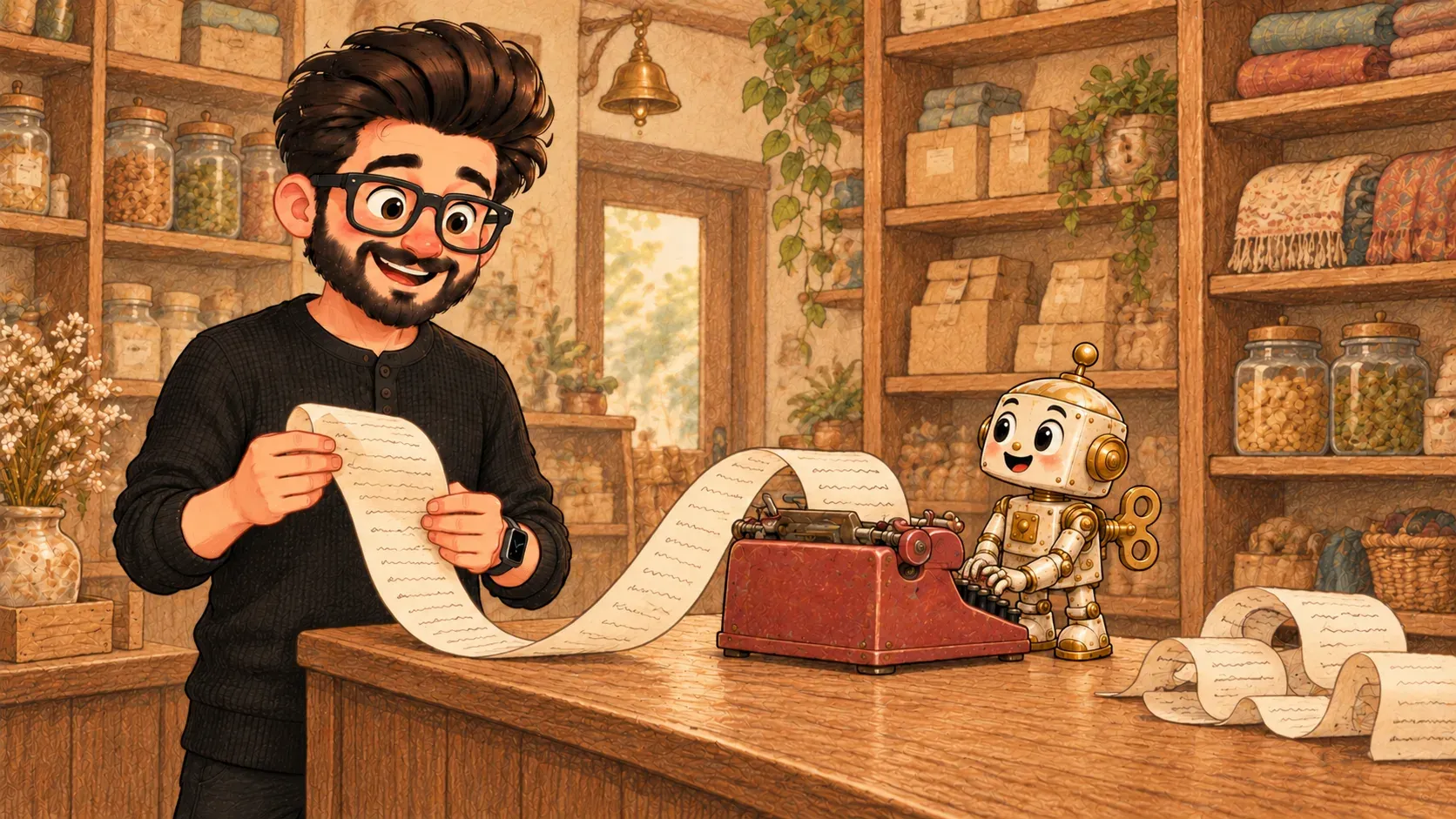

You walk into a shop with a question. Someone at the counter answers it. A chatbot is that counter, open all night.
You walk into a shop and ask the assistant at the counter, “Do you have this in blue?” They answer, ask a follow-up question and point you to the right shelf.
Now imagine that assistant only talks by typing, never sleeps and can serve thousands of customers at once. That’s a chatbot: a program you have a conversation with by typing (or speaking), that answers back in everyday language.
Two kinds you’ll meet
- Old-style chatbots follow a script. They spot keywords and pick a ready-made reply, which is why they often say "Sorry, I didn't understand that."
- New-style chatbots, such as ChatGPT, Claude or Gemini, are built on an LLM. They write each answer fresh, so they can handle almost any question.
Where you see them
- the chat bubble in the corner of a shop or bank website
- help inside apps, like tracking a parcel or changing a booking
- ChatGPT, Claude or Gemini answering questions
- voice helpers like Siri or Alexa, which are chatbots you talk to out loud
What it isn’t
A chatbot isn’t a person and it doesn’t really know you. It answers from patterns and whatever information it has been given. Ask about something outside that and it may guess. When the guess sounds confident but is made up, that’s called a hallucination.
It also isn’t the same as an AI agent. A chatbot talks. An agent goes off and does things for you, like booking a table.
Where the comparison breaks down
A good shop assistant remembers you from last week. Most chatbots forget everything once the chat ends, unless the app saves it for them.
How the words fit together
Modern chatbots run on an LLM, such as GPT. What you type is the prompt. When a chatbot starts doing tasks on its own, it becomes an AI agent.
A chatbot sounds sure of itself even when it's wrong. Check anything important, like prices, health or legal advice, with a real person or a trusted source.

When you'll hear it
“Ask the chatbot.” Type your question into the chat window on the website or app and see what it says.
“Can I speak to a human?” The chatbot can't help with this one. Please pass me to a real person.
“We're adding a chatbot to the website.” Visitors will be able to type questions and get instant answers, without waiting for staff.
“Which customer questions could a chatbot answer well? When should it hand over to a person?”
