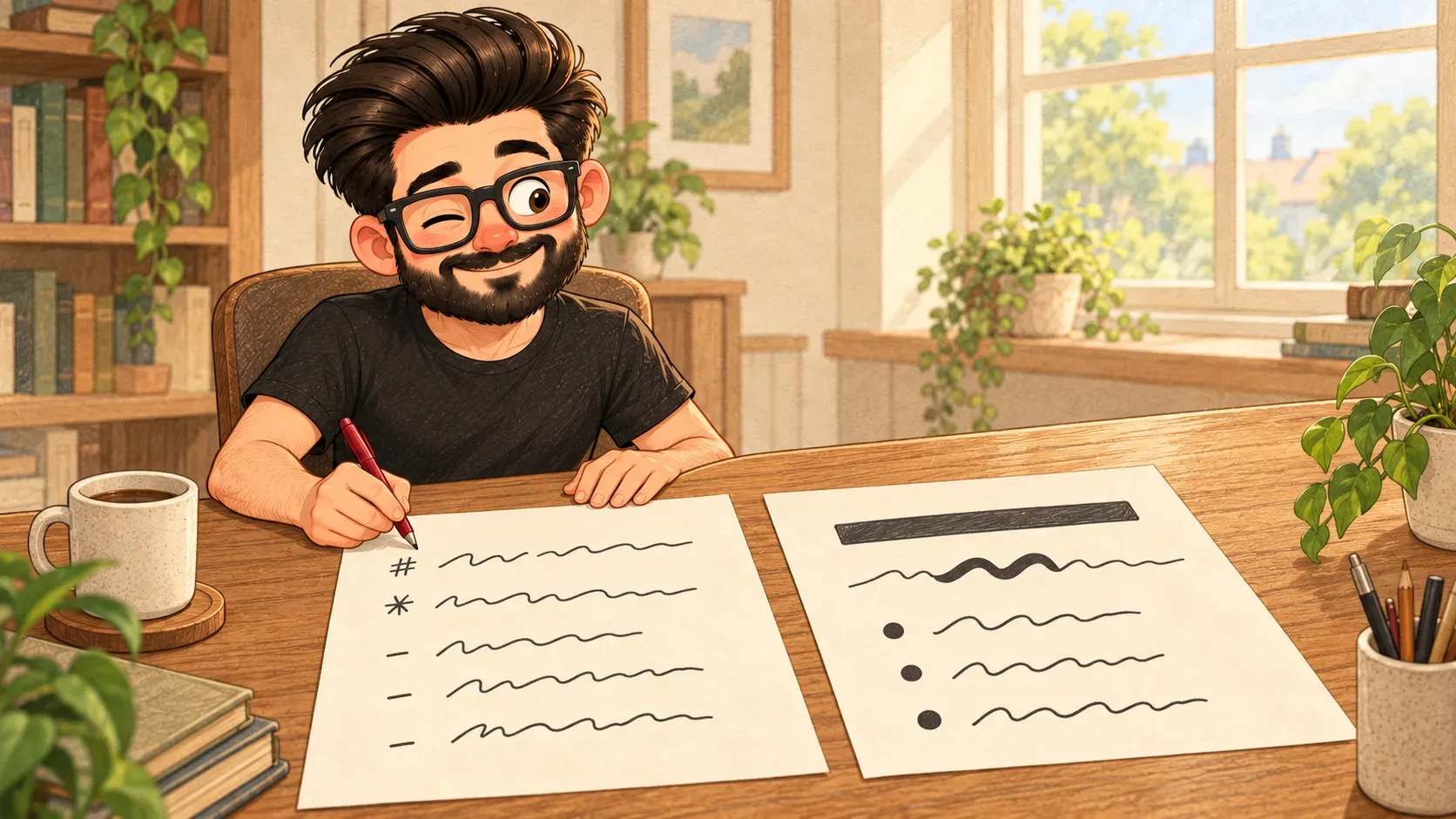

Want a word in bold without hunting for a button? Put two stars on each side. That's Markdown.
Before there were bold buttons, people typed in emails like this: “I really mean it.” Everyone understood the stars meant emphasis.
Markdown turns that habit into a set of rules. You format text with ordinary symbols you can type. Apps then turn them into proper headings, bold words and lists.
The basics
**bold**becomes bold*italic*becomes italic# Headingat the start of a line becomes a heading- itembecomes a bullet point
Where it’s used
Project instructions on GitHub, notes apps like Obsidian, chat apps like Slack and Discord, plus the replies from most AI chatbots. Even this website’s pages are written in it.
What it isn’t
It isn’t code. There’s nothing to run. It’s still just text, readable as it is, which is why it’s so popular for notes and instructions.
Where the comparison breaks down
The old email stars were a loose habit. Markdown has precise rules. Different apps follow slightly different versions of them.
How the words fit together
Projects in Git usually keep their instructions in a Markdown file called README. You edit them like any other code file.
AI chatbots often reply in Markdown. If you see stray stars or hashes when you paste an answer somewhere, that's why.

When you'll hear it
“Write it in Markdown.” Use the simple symbols for formatting, not a word processor.
“It's in the README.” The instructions are in the project's main Markdown file.
“It supports Markdown.” Typing stars and hashes there will turn into bold text and headings.
“Should our documents live as plain Markdown files next to the project, so they're easy to keep up to date?”
