
You don't own Gmail, Netflix or Zoom. You just log in and use them. That's SaaS.
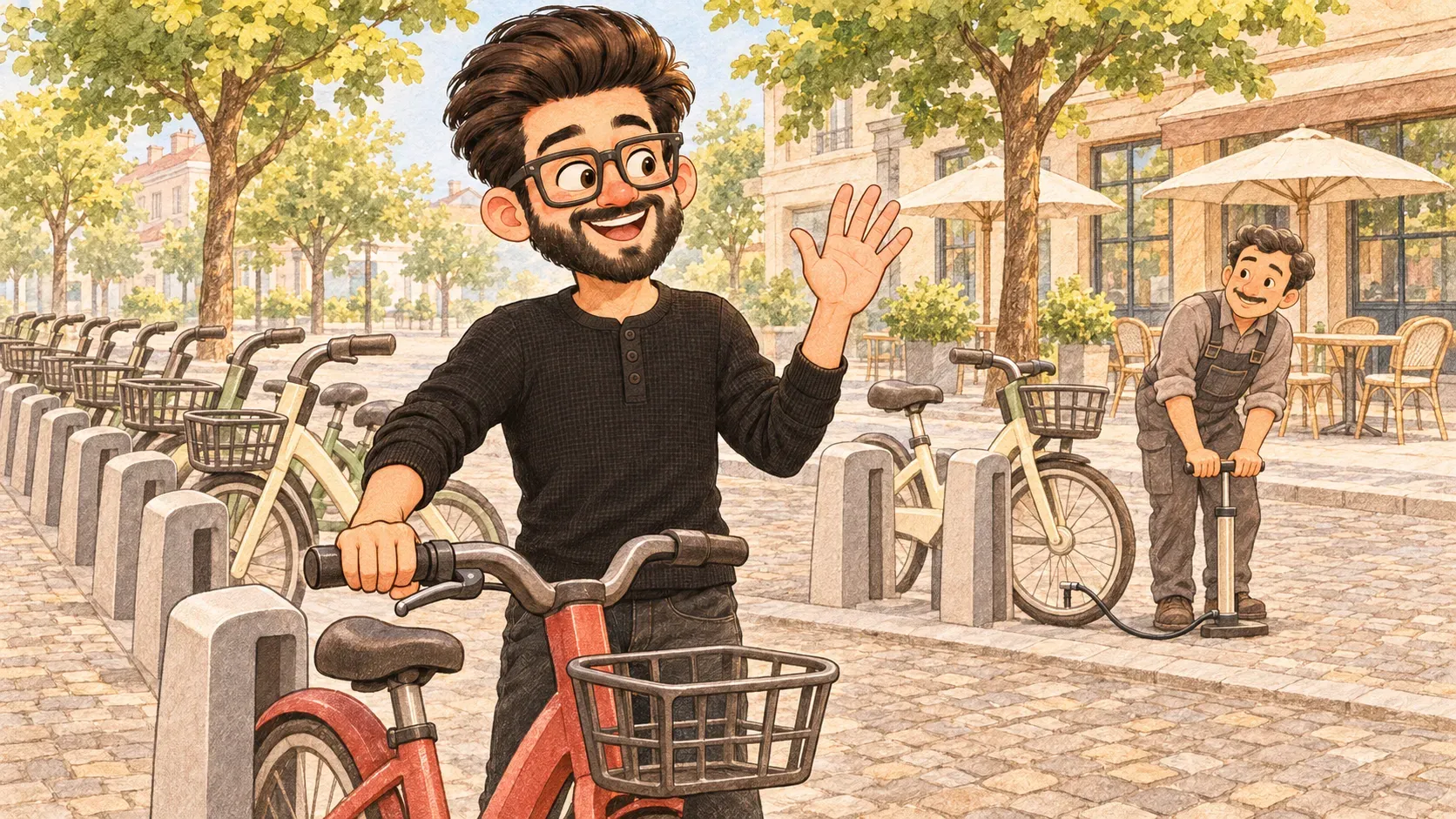
In many cities you don’t need to own a bike. You walk up to a dock, tap your card and ride off. When you’re done you drop it at another dock. Someone else keeps the tyres pumped and fixes the brakes.
SaaS, short for “Software as a Service”, is software that works like a hire bike. You don’t install or look after it. You log in, use it and pay by the month while someone else keeps it running.
Everyday examples
- email: Gmail, Outlook on the web
- video calls: Zoom, Google Meet
- documents: Google Docs, Microsoft 365
- work tools: Slack, Canva, Notion
Why people like it
Nothing to install, it works on any device and updates arrive by themselves. You can start small and add more people later. No big upfront cost.
The catch
You never own it. If you stop paying, it stops working. If the company changes the price, the rules or shuts down, you have to go along with it. Your data lives on their computers.
Where the comparison breaks down
A hire bike is the same for everyone. SaaS keeps your own files, settings and history, so leaving can be hard. That’s why it’s worth checking early that you can take your data with you.
How the words fit together
SaaS runs in the cloud: the company handles the hosting. Many SaaS tools have an API so other apps can talk to them, which is how integrations between them work.
Small monthly fees add up. Check what you're paying for every month once a year and cancel what nobody uses.

When you'll hear it
“It's a SaaS product.” You use it in the browser or an app and pay a subscription. Nothing to install on a server.
“How much is it per seat?” How much does it cost for each person who uses it?
“Can we export our data if we leave?” If we stop paying, can we take our files and records with us?
“Are we happy renting this, or do we need to own and control it ourselves?”
