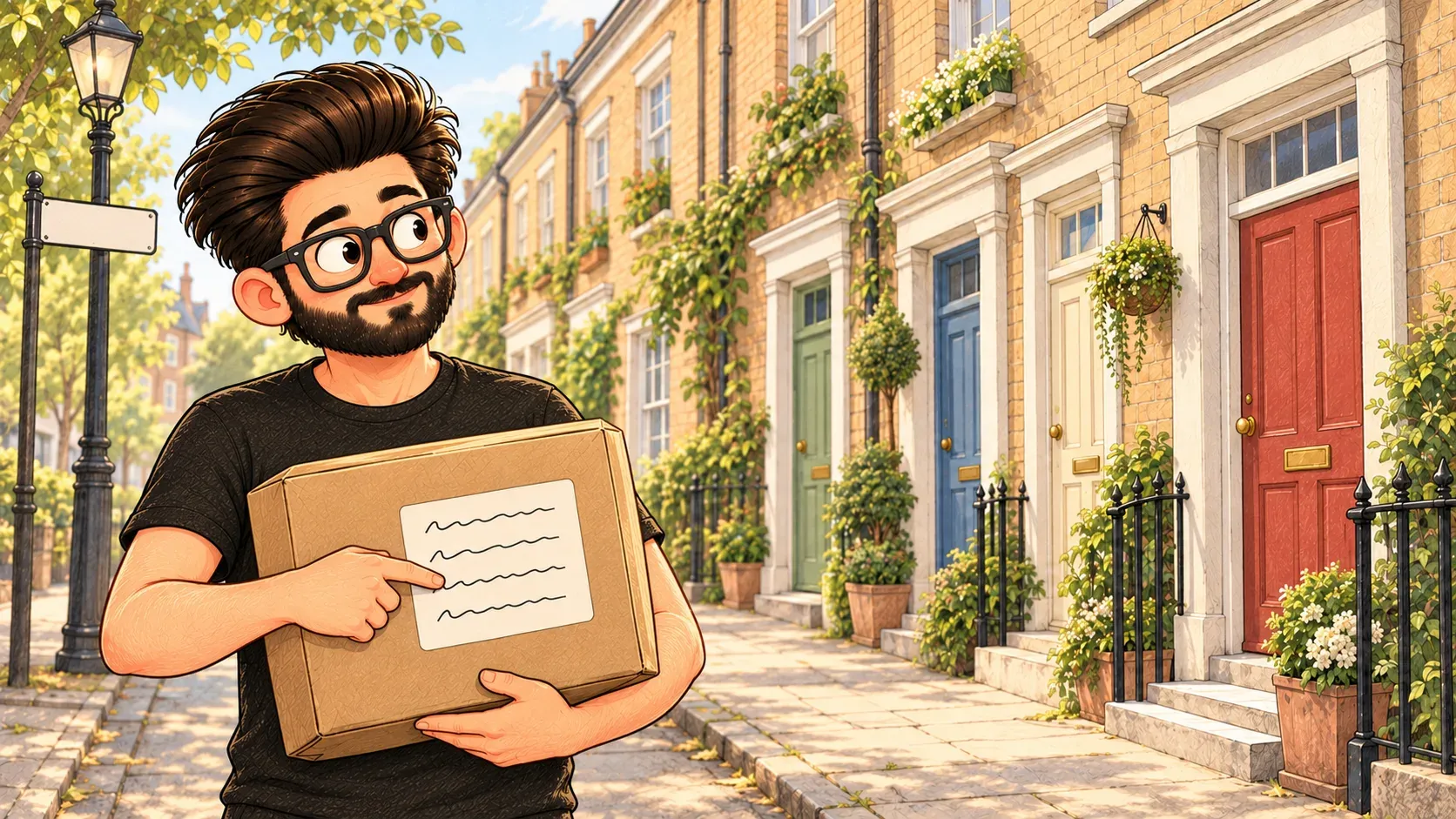

To send a letter you need the full address. To open a web page you need its full address too. That's the URL.
A full postal address narrows things down step by step: the country, the city, the street, the house number. Get every part right and the letter lands at exactly one door.
A URL does the same for the web. It’s the full address of one particular page, so your browser knows exactly where to go. URL stands for Uniform Resource Locator, but almost nobody says that.
Reading one
Take https://laymanterms.dev/terms/dns/:
- https:// is how to travel there, here the secure way
- laymanterms.dev is the website's name, its domain name
- /terms/dns/ is the exact page on that website
Some URLs also end with a question mark and extra bits, like ?q=cloud. That’s extra information for the page, such as what you searched for.
What it isn’t
It isn’t the same as a domain name. The domain is like the street. The URL is the full address down to the door.
Where the comparison breaks down
A postal address reads from small to big: house, street, city. A URL reads the other way round after the domain, from the website down to the page.
How the words fit together
A URL contains a domain name. DNS turns that name into an IP address. Then the browser fetches the page.
Before you sign in anywhere, check the part right before the first single slash. paypal.com.secure-login.net belongs to secure-login.net, not PayPal.

When you'll hear it
“Send me the URL.” Send me the link to that page.
“The URL is case-sensitive.” Type the end part exactly, with capital letters where they are.
“Paste it in the address bar.” Put the link in the long box at the top of your browser.
“Are our web addresses short and clear enough that people could read them out on a phone call?”

Try it yourselfReady to use it? The exact commands are on my other site, devcmds: Download a file from the terminal ↗
