
When an app asks “Allow access to your photos?”, it's asking for a permission. So is a colleague asking to edit your document.
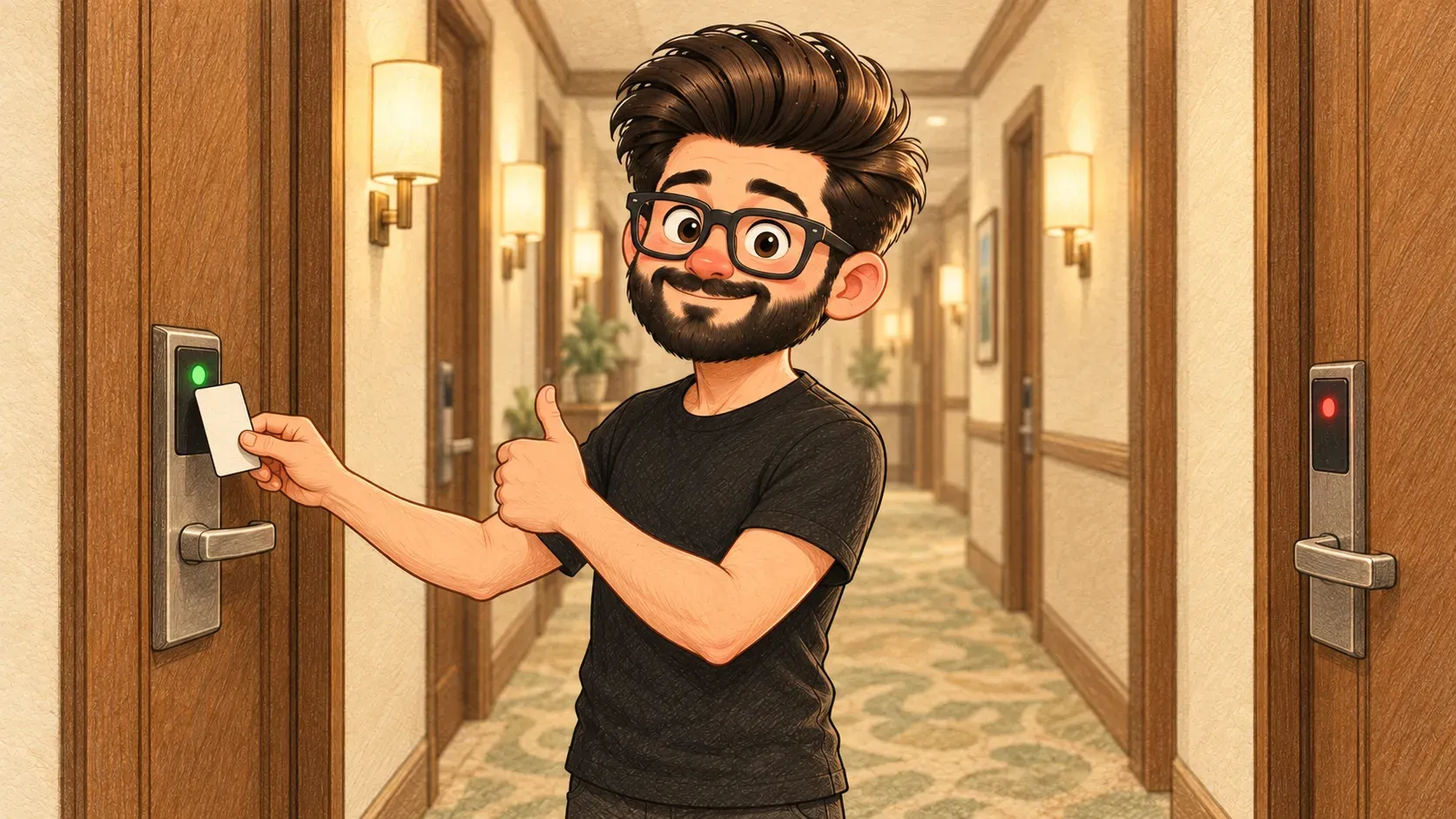
In a hotel, each key card is set up for certain doors. Guests open their own room and the gym. Cleaners open every bedroom. Only the manager opens the safe.
Permissions are that system for apps and accounts. They’re the rules about what each app or person is allowed to see and do.
On your phone
- camera and microphone
- photos and files
- location
- contacts
You decide each one. You can change your mind any time in your phone’s settings.
At work
Shared documents can be “view only” or “can edit”. Systems have different access for staff, managers and admins. A good rule: everyone gets only what they need for their job.
What it isn’t
It isn’t a one-off choice. Apps can ask again. You can take permissions back at any time.
Where the comparison breaks down
A key card is physical, so you notice if it’s lost. A forgotten permission can sit unnoticed for years, which is why reviewing them matters.
How the words fit together
API keys and “Sign in with Google” both come with permissions. Apps ask for them when you install.
Give apps the least they need. A torch app doesn't need your contacts. Check your phone's privacy settings now and then.

When you'll hear it
“It needs camera permission.” The app is asking to use your camera.
“You don't have permission.” Your account isn't allowed to see or change that.
“Give her edit access.” Let her change the document, not just read it.
“Who still has access to our shared files who no longer needs it?”
