
You can't remember fifty strong passwords. You're not supposed to. A password manager does it for you.
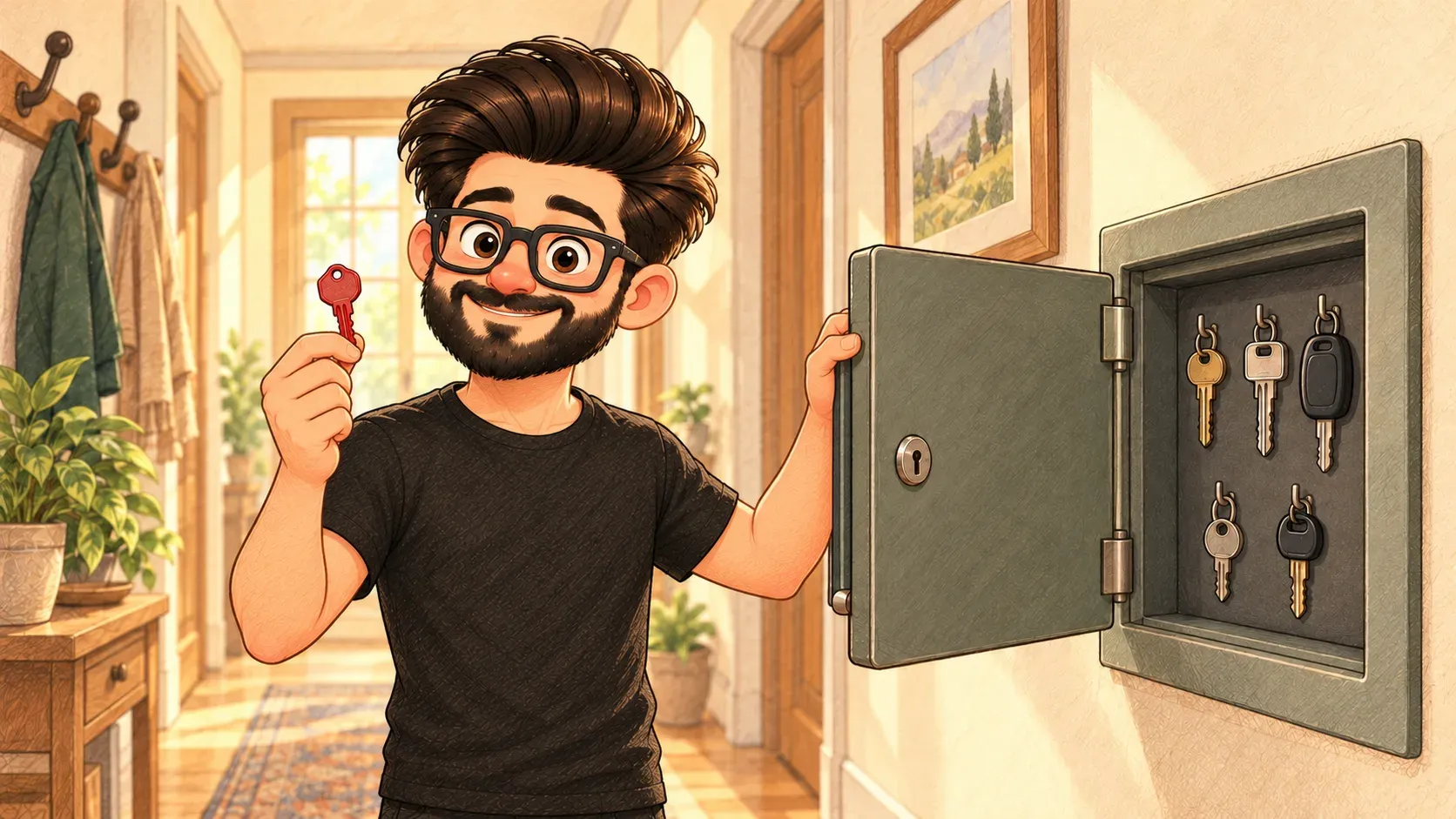
Imagine a safe on your wall. Inside hang the keys to your home, your car, your office, your shed and your bike lock. You only carry one key: the key to the safe.
A password manager is that safe for your online life. It creates a strong, different password for every website, keeps them all locked away and fills them in for you. You remember just one master password.
Why it matters
Most people reuse a handful of passwords. When one website gets hacked, criminals try that same email and password everywhere else. A password manager breaks that chain, because every site gets its own password.
What it does
- makes up long, random passwords nobody could guess
- remembers them on all your devices
- fills them in when you visit the right site
- warns you if a password has shown up in a known leak
What it isn’t
It isn’t the same as writing passwords in a notes app. A password manager keeps everything scrambled with encryption, so even the company that runs it can’t read your passwords.
Where the comparison breaks down
Lose the key to a real safe and a locksmith can open it. Forget your master password and many password managers truly can’t let you back in. Write it down somewhere safe at home.
How the words fit together
A password manager keeps your passwords locked with encryption. Two-factor authentication adds a second lock. Both protect you from phishing, because the manager won’t fill in your password on a fake site.
Make the one password you do remember long and memorable, like four random words. Then turn on two-factor authentication for the password manager itself.

When you'll hear it
“Just use a password manager.” Stop reusing passwords. Let an app make and remember a different one for every site.
“It's in the vault.” The password is saved inside the password manager.
“Use a generated password.” Let the app invent a long random password instead of thinking one up.
“Do we give everyone on the team a password manager, or is everyone keeping passwords their own way?”

Try it yourselfReady to use it? The exact commands are on my other site, devcmds: Generate a random secret or ID ↗
