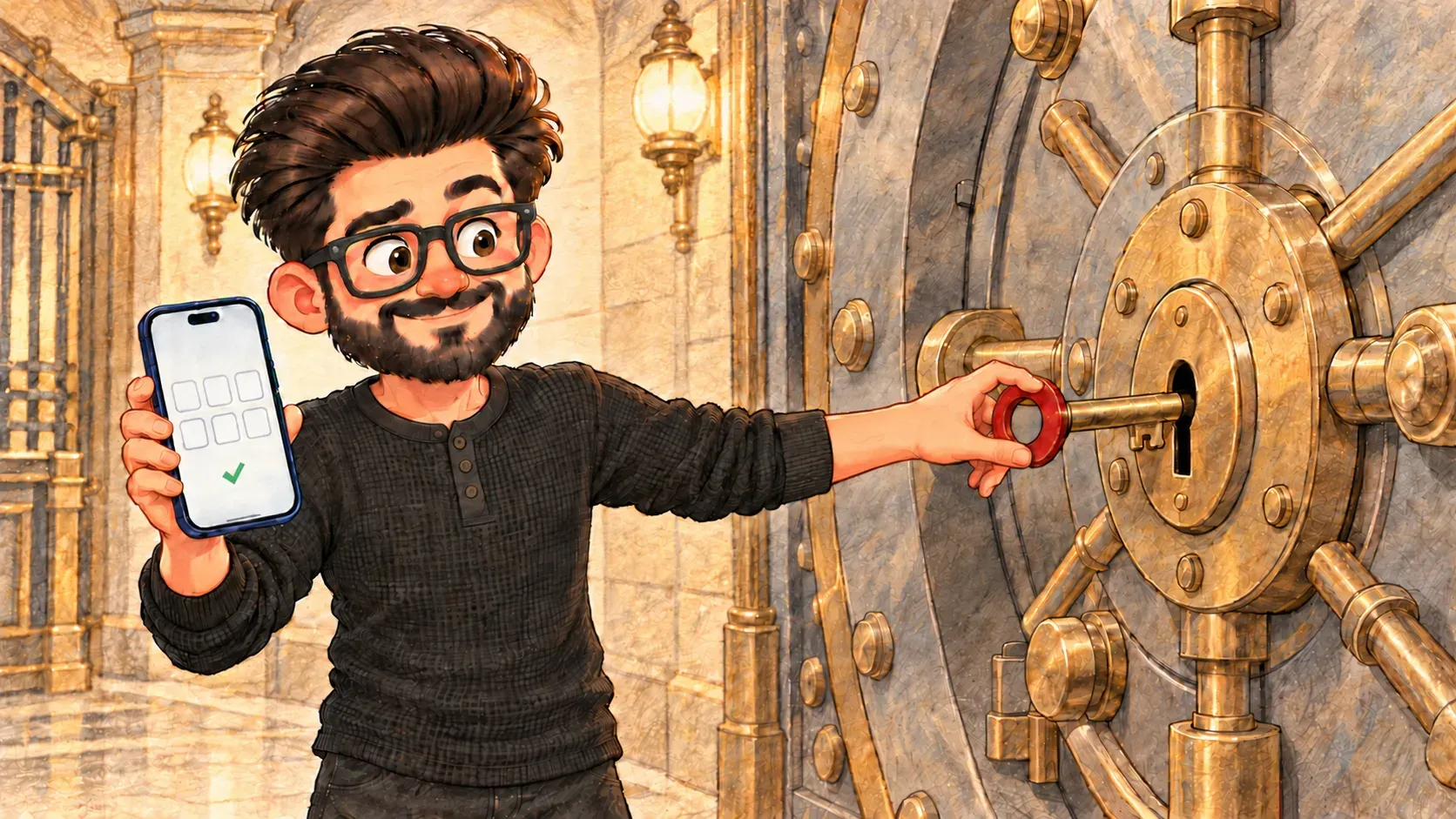

A password alone is one lock. Two-factor authentication adds a second one that a thief is very unlikely to have.
A bank vault doesn’t open with just a key. You need the key and a code that changes. A thief who steals the key is still stuck at the door.
Two-factor authentication works the same way. To sign in, you need your password plus a second proof that it’s really you, usually a short code on your phone or a tap on a “Is this you?” message.
The two factors
- Something you know: your password
- Something you have: your phone or a small security key
- sometimes something you are: your fingerprint or face
Any two of these together make a thief’s job much harder.
Why it matters
Passwords get leaked, guessed and tricked out of people every day. With two-factor turned on, a stolen password on its own isn’t enough to get in.
What it isn’t
It isn’t a reason to use weak passwords. It’s a second lock, not a replacement for the first.
Where the comparison breaks down
A vault code is the same for everyone who works there. Your sign-in code is made just for you and only lasts about thirty seconds, so a code someone sees over your shoulder is soon useless.
How the words fit together
A password manager handles the first lock. 2FA adds the second. Together they shut out most phishing attempts, especially if you never type a code a stranger asks you for.
Turn it on first for your email. Whoever controls your email can reset almost every other password you have.

When you'll hear it
“Have you set up 2FA?” Have you added the second step, like a code from your phone, to your account?
“Enter the six-digit code.” Type the short code your phone or app is showing right now.
“Use an authenticator app.” Get the codes from an app on your phone instead of by text message.
“Is two-factor authentication switched on for every account that holds company data?”
