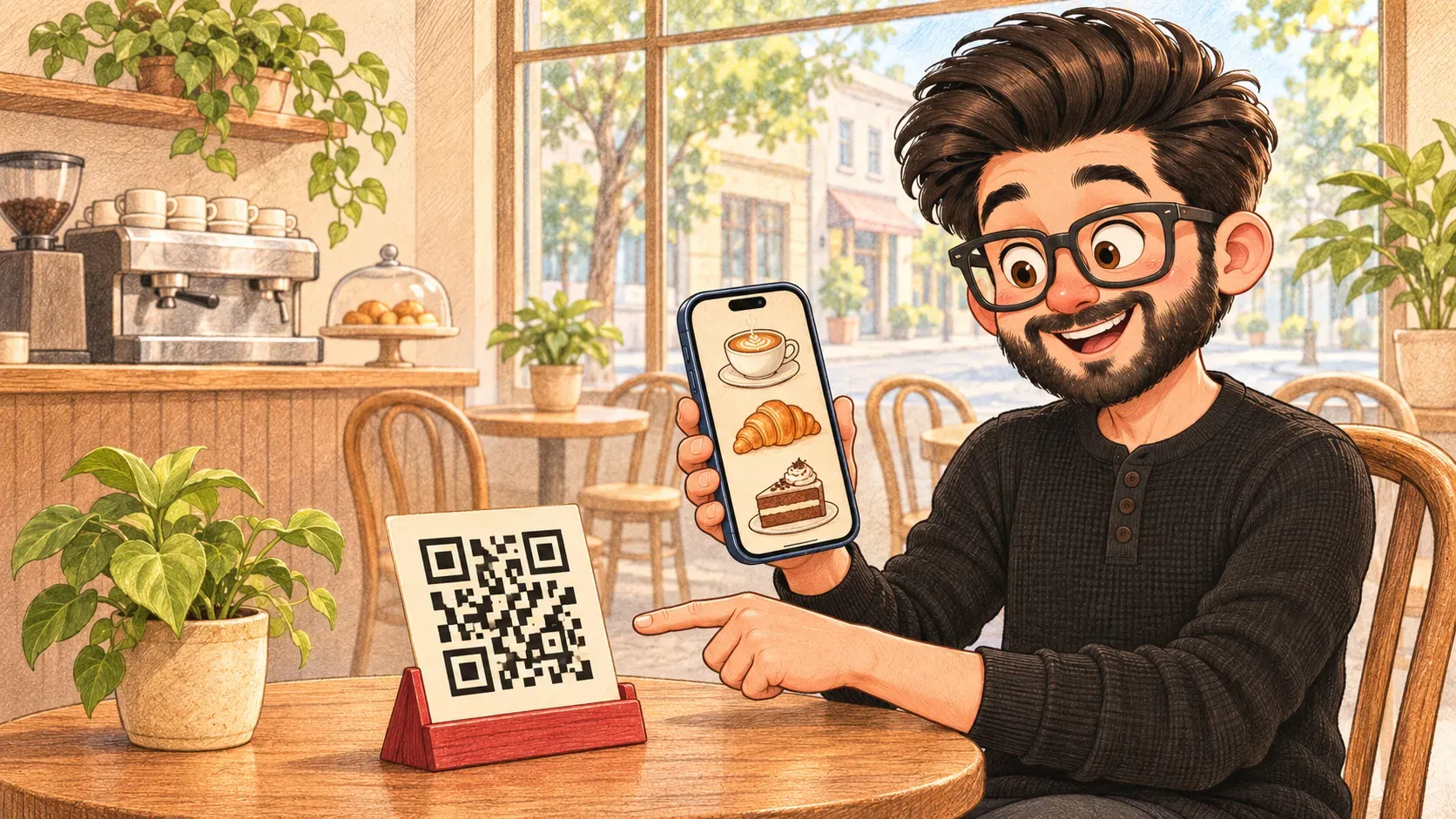

You sit down in a café and there's no menu, just a little square of black blocks. Point your phone at it and the menu appears.
A barcode on a cereal box holds a short number: enough to look up the price at the till. A QR code is a barcode that grew up. Instead of a line of stripes, it’s a square of little blocks, and it can hold a whole web address.
A QR code is a square pattern a phone camera can read. Most hold a link, so scanning one opens a web page without typing a thing.
What it can hold
- a web address: a menu, a form or a page about a product
- a payment: the shop's details for a UPI or bank app
- a ticket: a boarding pass or concert ticket shown at the gate
- Wi-Fi details: scan to join the network without typing the password
Why it still works when it’s scratched
A QR code stores everything more than once. Even if a corner is torn or covered by a logo, the phone can still work out what it says. The three big squares in the corners tell the camera which way up the code is.
Where the comparison breaks down
A barcode only means something to the shop’s own computer. A QR code usually sends you somewhere on the internet, and you can’t tell where just by looking at it. That’s why it’s worth checking the link before you go on.
How the words fit together
Most QR codes hold a URL that opens in your browser. Fake codes stuck over real ones are a kind of phishing. And when you scan to pay, the money goes through a payment gateway or a payment app.
Anyone can print a QR code and stick it over a real one. Before you pay or log in, check the web address your phone shows. If it looks odd, don't open it.

When you'll hear it
“Just scan the QR code.” Point your phone camera at the square and tap the link that pops up.
“Pay by QR.” Scan the shop's code with your payment app instead of using a card.
“The QR code's in the email.” Show that square on your phone at the door, like a ticket.
“Where will people scan this, and does the page work well on a phone?”

Try it yourselfReady to use it? The exact commands are on my other site, devcmds: Make a QR code from a link ↗
